KSDSJanuary 29, 202611 min read
The Complete KSDS Installation Guide: What Happens at the Dealership
Demystifying the KSDS software update process. Learn exactly what happens during installation, how long it takes, what the software actually does, and why it's critical for your warranty protection.
CG
Carl's Garage Team
Expert Automotive Guides
# The Complete KSDS Installation Guide: What Happens at the Dealership
The Knock Sensor Detection System (KSDS) software update is one of the most discussed—and misunderstood—aspects of the Kia Hyundai Theta II engine settlement. Many owners have questions about what KSDS actually does, what happens during installation, and why it matters for warranty protection.
This comprehensive guide walks you through the entire KSDS installation process from start to finish, demystifying what happens at the dealership and explaining why this software update is critical for protecting your future warranty coverage.
## What is KSDS?
Before diving into the installation process, it's important to understand what KSDS actually is and what it's designed to do.
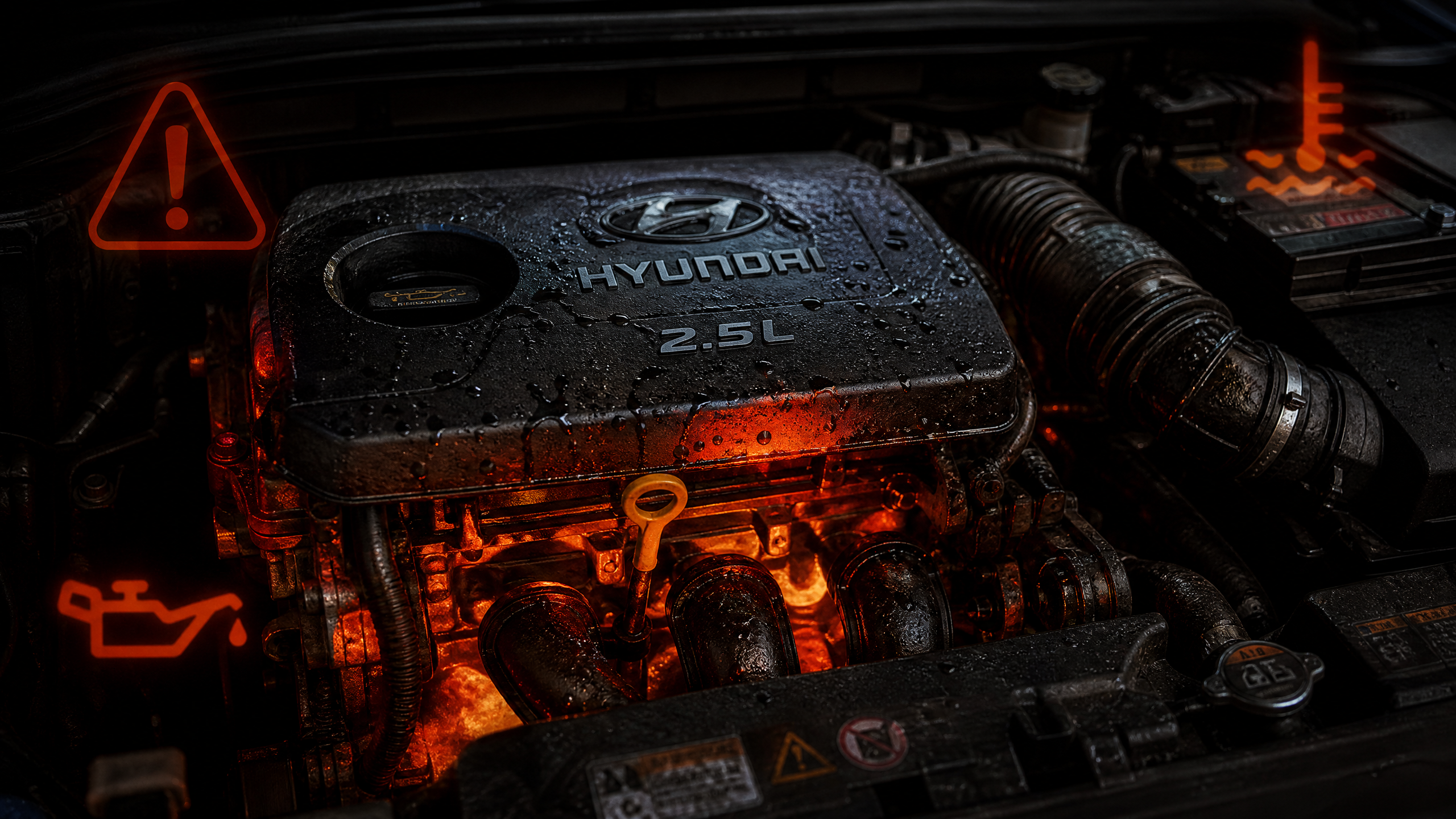
**KSDS stands for Knock Sensor Detection System**, a software update that modifies your vehicle's Engine Control Unit (ECU) programming to more aggressively monitor for signs of engine bearing failure. The system uses existing knock sensors and other engine monitoring systems to detect early warning signs of the bearing failures that have plagued Theta II engines.
When KSDS detects abnormal engine behavior consistent with bearing wear or failure, it triggers a series of responses designed to protect the engine and alert the driver. These responses include illuminating the check engine light, reducing engine power to prevent catastrophic failure, and storing diagnostic trouble codes that document the failure for warranty purposes.
**KSDS does not fix existing engine problems.** It's a monitoring and early warning system, not a repair. If your engine already has bearing wear or damage, KSDS installation won't reverse that damage. However, it will help detect the problem earlier and document it for warranty purposes.
## Why KSDS Matters for Warranty Coverage
The November 4, 2023 deadline created a critical requirement: for engine failures occurring after November 4, 2023, KSDS must have been installed by that date to maintain warranty coverage under the settlement.
This means if your engine fails in 2026 and you never had KSDS installed before November 4, 2023, you may face denial of your warranty claim. However, there are important exceptions to this rule that are often misunderstood by dealers.
**Exceptions to the KSDS requirement:**
Your vehicle was never subject to a KSDS recall campaign (some model years and configurations were not included in the recall).
Your engine failure exhibits specific symptoms (bearing failure with abnormal noise or no-start condition) that qualify for coverage regardless of KSDS status under Hyundai's April 2022 Dealer Best Practice guidelines.
Your engine failed before November 4, 2023, making KSDS status completely irrelevant.
Even with these exceptions, having KSDS installed eliminates ambiguity and strengthens your warranty position. If you haven't had KSDS installed and your vehicle is eligible, schedule the installation immediately.
## Checking Your KSDS Status
Before scheduling installation, verify whether your vehicle needs KSDS and whether it's already been installed.
**Use the Carl's Garage KSDS Checker tool** by entering your VIN. The tool will tell you if your vehicle is subject to a KSDS recall campaign and whether the recall shows as completed in the NHTSA database.
You can also check directly with NHTSA by visiting nhtsa.gov/recalls and entering your VIN. Look for recall campaigns 20V750 (Hyundai) or 21V844 (Kia) related to engine software updates.
If your vehicle is subject to the recall but shows as "Remedy Not Completed," you need to schedule KSDS installation at your dealership.
## Scheduling KSDS Installation
Once you've confirmed you need KSDS installation, contact your local Kia or Hyundai dealership to schedule the service.
**When calling, be specific:** Tell the service advisor you need to schedule the KSDS software update related to recall campaign 20V750 (Hyundai) or 21V844 (Kia). Don't just say "I need a recall done" because your vehicle may have multiple recalls, and you want to ensure they understand which specific service you need.
**Ask about appointment availability:** KSDS installation typically takes 1-2 hours, but some dealerships may require you to leave the vehicle for a half day or full day depending on their schedule and workload. Ask if you can wait for the service or if you'll need alternative transportation.
**Confirm it's free:** KSDS installation is a recall remedy and must be performed at no cost to you. There should be no charge for the software update, diagnostic time, or any related services. If the dealer mentions any fees, clarify that this is a recall service that must be provided free of charge.
**Get a loaner or rental if needed:** Some dealerships provide loaner vehicles or rental car reimbursement if you need to leave your vehicle for an extended period. Ask about these options when scheduling.
## What to Bring to Your Appointment
Preparation makes the installation process smoother and ensures you have documentation of the service.
**Bring your vehicle registration** to prove ownership. Dealerships typically require proof of ownership before performing recall services.
**Bring your driver's license** for identification purposes.
**Bring any recall notices** you received in the mail from Kia or Hyundai regarding KSDS. While not required, these notices can help the service advisor quickly identify the correct service.
**Bring a phone charger or entertainment** if you plan to wait. KSDS installation can take 1-2 hours, so bring something to keep you occupied in the waiting area.
## The KSDS Installation Process: Step by Step
Here's exactly what happens during KSDS installation from the moment you arrive at the dealership.
### Step 1: Check-In and Verification (10-15 minutes)
You'll check in with the service advisor, who will verify your vehicle information and confirm the recall campaign number. The advisor will look up your VIN in their system to confirm the vehicle is subject to KSDS recall and that the recall hasn't already been completed.
The advisor will create a service order specifically for the KSDS recall and provide you with a copy. This service order is important documentation—keep it for your records.
### Step 2: Vehicle Inspection (15-20 minutes)
Before performing the software update, the technician will conduct a basic inspection of your vehicle to ensure there are no existing engine problems that would prevent or complicate the KSDS installation.
The technician will check for active check engine lights or stored diagnostic trouble codes. If your vehicle already has engine-related codes, the technician may need to address those issues before proceeding with KSDS installation.
The technician will also verify the current software version in your ECU to confirm whether KSDS has already been installed. Some vehicles may have received KSDS updates during previous service visits without the owner being explicitly informed.
### Step 3: Software Download and Installation (30-45 minutes)
This is the core of the KSDS installation process. The technician will connect a diagnostic computer to your vehicle's OBD-II port (usually located under the dashboard near the driver's seat).
Using manufacturer-specific software and equipment, the technician will download the KSDS software update from Kia or Hyundai's server and install it into your vehicle's ECU. This process is similar to updating software on your phone or computer—the new programming overwrites the old programming.
During installation, the vehicle must remain powered on and connected to the diagnostic computer. The technician will monitor the installation process to ensure it completes successfully without errors.
**Do not interrupt this process.** If power is lost or the connection is disrupted during software installation, it could cause ECU programming errors that require additional service to correct.
### Step 4: System Verification and Testing (15-20 minutes)
After installation completes, the technician will verify that the KSDS software is functioning correctly. This involves running diagnostic tests to confirm the ECU is communicating properly with the knock sensors and other engine monitoring systems.
The technician may start the engine and let it run for several minutes while monitoring sensor data to ensure everything is operating normally. They'll verify that no new error codes were generated during the installation process.
### Step 5: Final Documentation and Checkout (10-15 minutes)
Once installation and verification are complete, the service advisor will provide you with documentation showing the KSDS recall has been completed. This documentation typically includes:
A completed service order showing the recall campaign number and date of completion.
A recall completion certificate or notice confirming the service was performed.
Updated vehicle service history in the dealership's system showing KSDS installation.
**Keep this documentation in a safe place.** If you ever need to file a warranty claim, this documentation proves KSDS was installed and when it was completed.
## What Happens After KSDS Installation
Once KSDS is installed, the software runs continuously in the background monitoring your engine for signs of bearing failure or other problems.
**You won't notice any immediate changes** in how your vehicle drives or performs. KSDS operates silently unless it detects a problem.
**If KSDS detects an issue**, you'll notice several things:
The check engine light will illuminate on your dashboard.
The vehicle may enter "limp mode," reducing engine power to prevent catastrophic failure.
Diagnostic trouble codes will be stored in the ECU documenting the detected problem.
**If this happens, take your vehicle to the dealership immediately.** The KSDS detection is an early warning that your engine may be developing the bearing failure covered by the settlement warranty. The stored codes and KSDS activation provide strong documentation for your warranty claim.
## Common KSDS Installation Problems and Solutions
While KSDS installation is usually straightforward, some owners encounter issues.
### Problem: Dealer Says KSDS Not Available for Your Vehicle
**Solution:** Verify your VIN on nhtsa.gov/recalls. If NHTSA shows your vehicle is subject to recall campaigns 20V750 or 21V844, the dealer is incorrect. Show them the NHTSA recall information and request they contact their technical support line for guidance.
### Problem: Dealer Wants to Charge for KSDS Installation
**Solution:** KSDS installation is a recall remedy and must be provided free of charge. If a dealer attempts to charge you, refuse the service and contact Kia Consumer Affairs (1-800-333-4542) or Hyundai Consumer Affairs (1-855-371-9460) to report the issue. They will instruct the dealer to perform the service at no cost.
### Problem: Check Engine Light Comes On Immediately After KSDS Installation
**Solution:** This can happen if KSDS detects existing engine problems during its initial operation. Return to the dealership immediately and request they diagnose the issue. If KSDS detected bearing problems, you may need to file a warranty claim for engine replacement.
### Problem: Dealer Says They Need to Keep Your Vehicle Overnight
**Solution:** KSDS installation typically takes 1-2 hours and shouldn't require overnight service. If the dealer insists on keeping your vehicle overnight, ask for a specific explanation of why additional time is needed. Request a loaner vehicle or rental car if you'll be without your vehicle for an extended period.
## KSDS Installation Checklist
Use this checklist to ensure your KSDS installation goes smoothly:
**Before Scheduling:**
- Verify your vehicle needs KSDS using VIN lookup on nhtsa.gov/recalls or Carl's Garage KSDS Checker
- Confirm your vehicle hasn't already had KSDS installed
**When Scheduling:**
- Specify recall campaign number (20V750 for Hyundai, 21V844 for Kia)
- Confirm service is free of charge
- Ask about appointment duration and loaner vehicle availability
- Schedule appointment at least 2-3 weeks in advance if possible
**At Your Appointment:**
- Bring vehicle registration and driver's license
- Bring recall notice if you received one
- Bring phone charger or entertainment if waiting
- Request written documentation of service completion
**After Installation:**
- Keep all service documentation in a safe place
- Update your personal vehicle service records
- Monitor vehicle for any check engine lights or performance changes
- If KSDS detects a problem, return to dealer immediately
## The Bottom Line
KSDS installation is a critical step in protecting your warranty coverage under the Theta II settlement. While the installation process is straightforward and free, understanding what happens during the service helps you ensure it's performed correctly and documented properly.
If you haven't had KSDS installed and your vehicle is eligible, schedule the service immediately. Don't wait until your engine fails and risk having your warranty claim denied due to lack of KSDS installation.
**Carl's Garage is here to help you navigate every step of the warranty process, from KSDS installation to challenging denials. Your engine protection starts with knowledge—and we're here to provide it.**
---
**Sources:**
[1] NHTSA Recall Campaigns 20V750 (Hyundai) and 21V844 (Kia)
[2] Kia Motors America KSDS Technical Service Bulletin
[3] Hyundai Motor America KSDS Installation Guidelines
[4] In re: Hyundai and Kia Engine Litigation II Settlement Agreement
*This article provides information based on publicly available recall information and dealership service procedures. It does not constitute legal or mechanical advice. For specific guidance about your vehicle, consult your dealer or manufacturer.*
Tags
KSDSSoftware UpdateDealership ProcessWarranty Protection